
AM
VisitorAndrea MartínezInnova Servicios S.A.S.
- Visiting
- Carlos Rueda
- Area
- Maintenance
- Site
- Planta Norte
- Vehicle
- JKR 482
Approved Cleared for entry
NAVA ID · Visitors
NAVA ID digitizes visitor scheduling, registration, authorization, induction, and entry and exit control. Visitors register from a link or QR code, and your team can know who’s coming, who they’re visiting, why, and whether they’re authorized to enter.
Access control
The lookup brings together the visit details, the host, the reason, the requirements, and the authorization status in a single view to make the entry decision easier.
Before the visit
The link or QR code starts the request. The visitor doesn’t create an account, and every decision is tied to the same visit.
Includes acceptance of the personal data processing policy.
Pre-approval confirms the appointment; final approval depends on documents and induction.
Scheduling and approval
Each step has an owner and leaves a status you can look up.
Fills in their details, the appointment, and documents from the link or QR code.
Gets the request by email and confirms or denies the visit.
Watches the video, answers the assessment, and downloads the certificate.
Checks the documents and approves or rejects them with a reason.
Looks up the ID number and logs the entry.
Logs the exit time; the data is available in the report.
Your internal team can also create the request from Manage visits. The approval process that follows stays the same.
On the platform
Registering a visit with the visitor’s details, the site they’re coming to, and the employee receiving them, just as it looks on the platform.
Configuration
Each work site can have different areas, people in charge, requirements, and entry conditions. NAVA ID lets you configure the process to fit the characteristics of each location.
Your own link and QR codeShare the form by email or make registration easy at reception.
Induction
When induction is one of the entry conditions, the visitor can view the content, answer the assessment, and generate evidence of their result. The information stays linked to the visit, so it’s easy to review before entry.
Access control
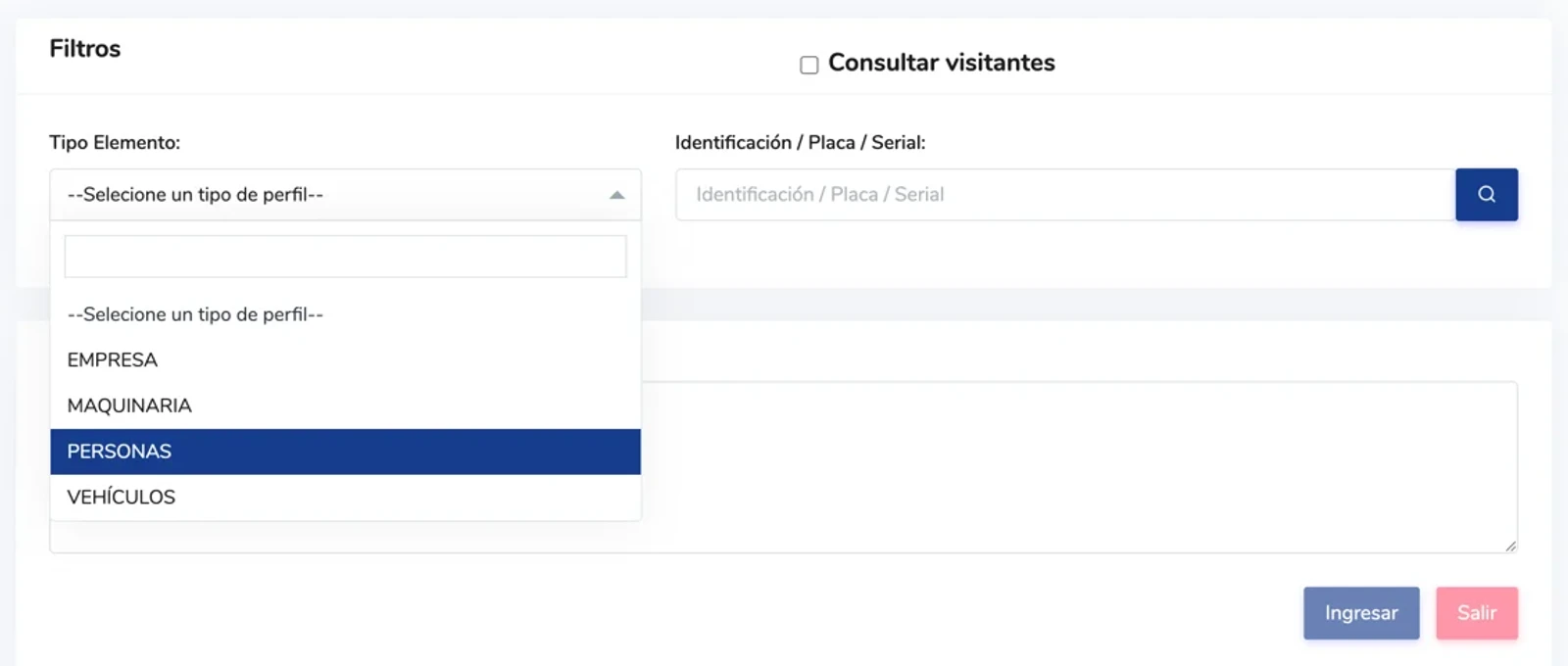
The access team can look up the ID number, the authorization, the person visited, the area, and the visit status before logging the entry. When the visit ends, they update the same record with the exit time.
Your team can create the request on the spot or handle an exceptional entry, recording the person responsible and the corresponding justification.
Reports
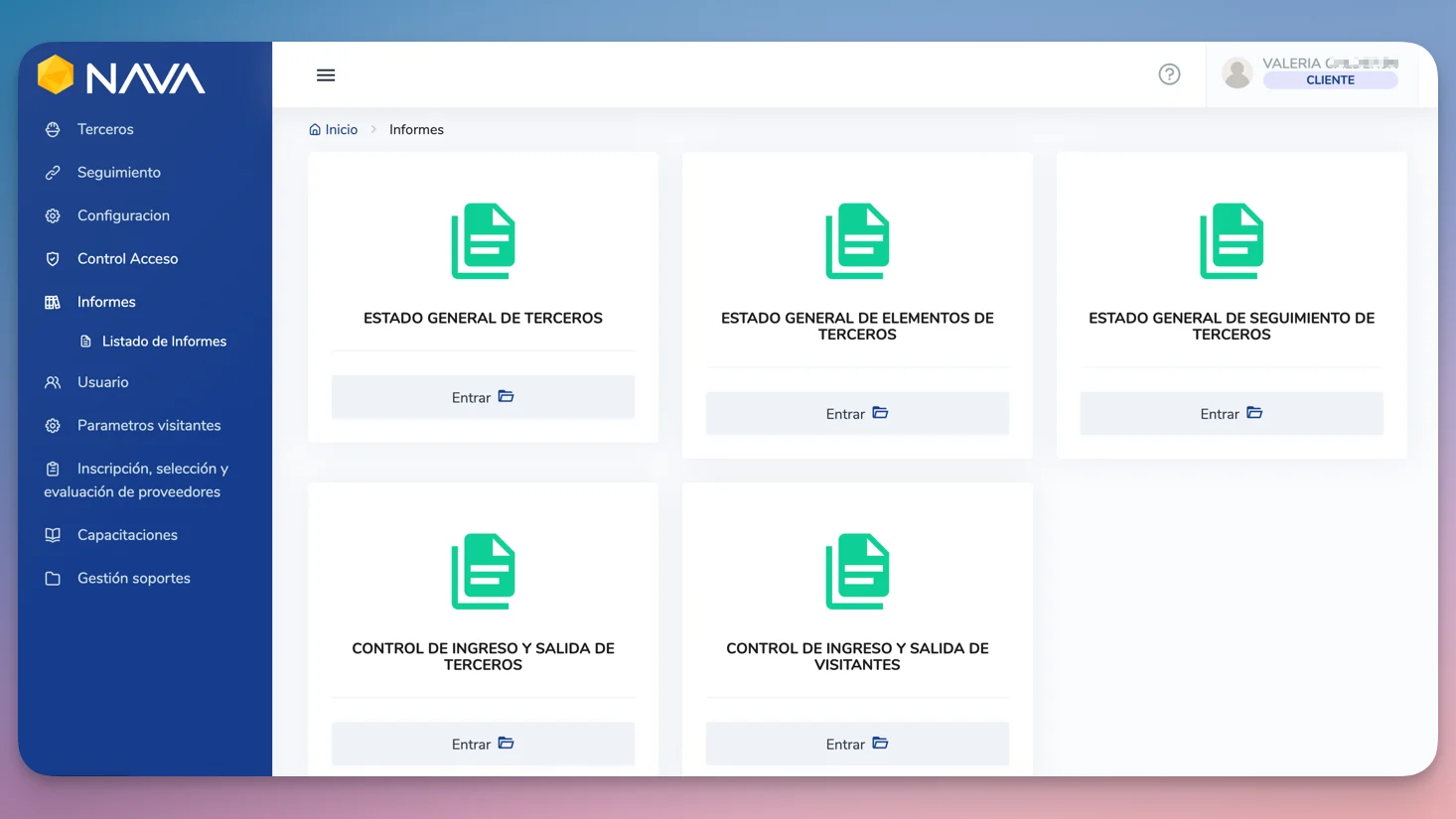
See who came in, who they visited, at which site, the request status, and the entry and exit times. Filter the records and export the information for monitoring, management, and audits.
See contractor management in NAVA 360 →The real product
See the screens used by the teams that manage visits, review requests, and control entries and exits.
Frequently asked questions
No. They can open the link or scan the QR code from their phone’s browser. They can also check the status with the company’s NIT (Colombian tax ID number).
No. Registration is done through the company’s form, and the status lookup uses the corresponding NIT.
The employee being visited pre-approves the appointment based on their schedule. Then a designated reviewer checks the documents and the induction to approve or reject the request.
Pre-approved means the host agreed to receive the visit. Approved means the conditions set for entry were reviewed and met.
Yes. Each work site can have its own areas, people in charge, requirements, and inductions.
NAVA ID manages one-time visits. NAVA 360 manages recurring contractors and suppliers, along with their people, vehicles, and machinery.
No. The solution covers visitor scheduling, approval, induction, and entry and exit control.
Your team can create the visit on the spot or authorize an entry override, recording the person responsible and the justification.
Yes. Records can be filtered by period and other fields and exported to Excel.
Yes. The gatehouse logs the entry and later updates the same visit with the exit time.
Demo
We’ll set up a site with its areas, people in charge, and entry conditions to show you how visitor registration, approval, induction, and entry and exit control work.